

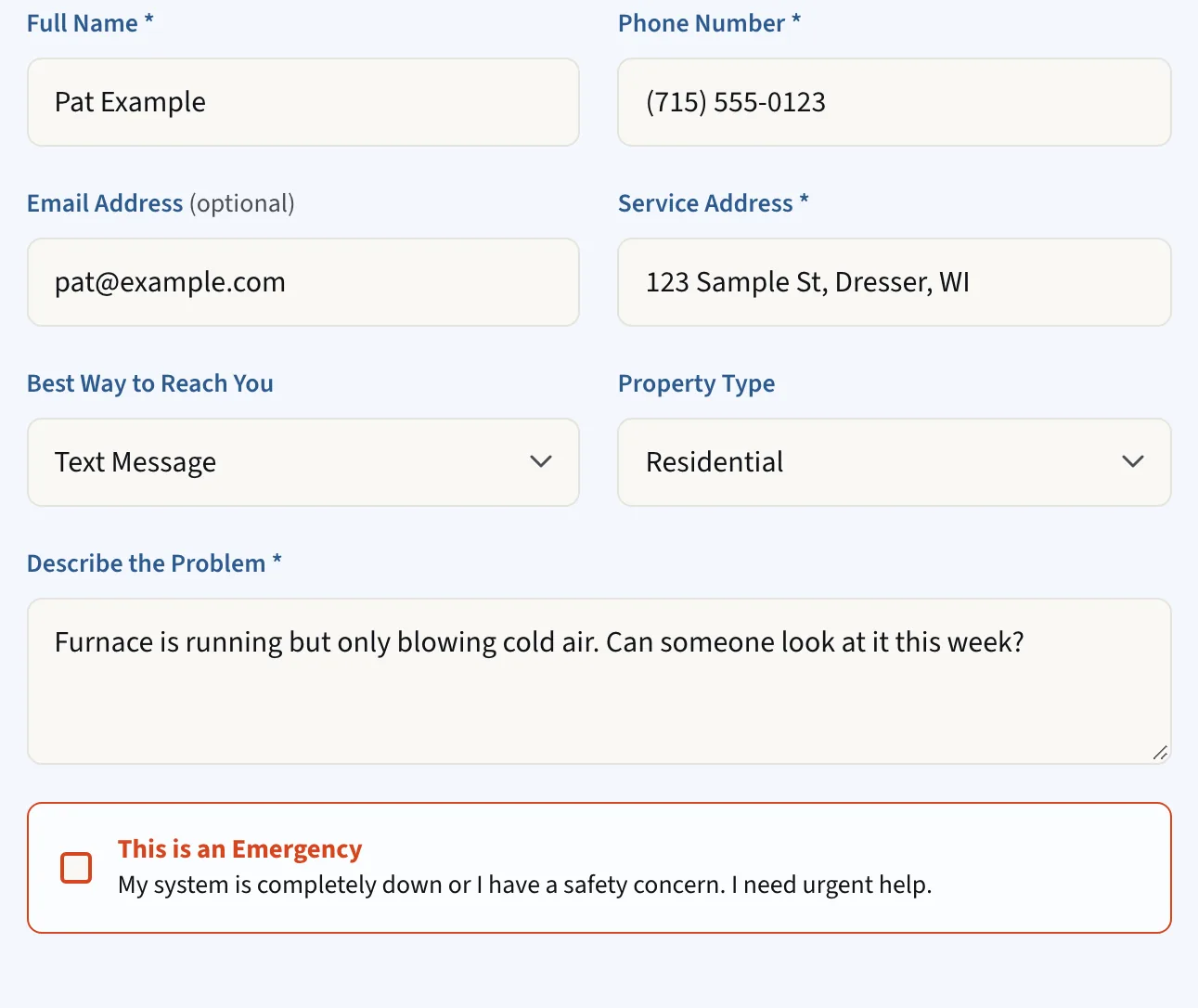
Think about the last time you needed help fast. A leaking water heater, a chipped tooth, a lawyer for a parking dispute. You probably searched, opened a few websites, and filled out two or three forms or left a couple of voicemails.
Then you went with whoever got back to you first and sounded like they knew what they were doing.
Your customers do the same thing. Speed to lead is simply the time between a customer reaching out and your business giving them a real response. Shrinking that gap is one of the cheapest ways to win more work from the visitors you already have.
Why the first reply matters so much
When someone contacts a local business, they usually have a problem they want solved soon. They are not comparing ten detailed proposals. They want to know three things: can you do it, when, and roughly what it will cost.
The first business to answer those questions often ends the search. The customer stops calling around because they have what they need. Everyone who replies later is competing against a decision that has already been made.
They contact three
Two forms and a voicemail.
One answers first
Can you, when, roughly how much.
The search stops
Later replies meet a decision already made.
There is also a trust effect. A quick, clear reply signals that you are organized and that you will show up. A reply two days later signals the opposite, even if your work is excellent.
Where leads go quiet
Most businesses do not lose leads because they do not care. They lose them in the gaps between channels and between busy moments. Common places leads stall:
- Website forms that send to an inbox nobody checks during the workday.
- Voicemails left while you are on a job site, in a chair with a patient, or with a client.
- Missed calls with no voicemail at all, which are easy to forget.
- Messages on Google, Facebook, or Instagram that arrive in an app you open once a week.
- After-hours inquiries that sit until the next morning, by which point the customer has booked someone else.
If you are not sure where your leads come from, start by listing every way a customer can reach you. Most owners are surprised by how many there are.
What counts as a real response
An auto reply that says "we got your message" is better than silence, but it is not a response. The customer still does not know if you can help.
A real response answers the customer's actual question or moves them to the next step. For example:
- A salon replying with two open times this week.
- A plumber confirming they service that zip code and asking for a photo of the leak.
- A dental office offering a callback window and the new patient forms link.
- A law office confirming they handle that type of case and offering a short consult time.
The goal is not to close the deal in one message. It is to keep the customer from needing to look anywhere else.
Acknowledgement
“We got your message.”
- Better than silence
- They still don’t know if you can help
- They keep calling around
Real response
“Yes, we cover Clear Lake. Can you send a photo of the leak?”
- Answers the question they asked
- Moves them to the next step
- Gives them a reason to stop looking
How to respond faster without living on your phone
You do not need a call center. You need a few habits and a couple of basic tools set up properly.
1. Send every lead to one place
If form submissions go to one email, voicemails to another phone, and social messages to three different apps, things will slip. Pick one place where all new inquiries land, whether that is a shared inbox, a simple CRM, or even a group text with your office staff.
Most form tools and phone systems can forward to email or text. Set that up once and you have one list to watch instead of five.
Scattered
Five places to check
- Forms to one email, voicemail to another phone
- Messages in three different apps
- Something always slips
One place
One list to watch
- Forms, voicemails and messages forwarded in
- A shared inbox, a simple CRM, or a group text
- Everyone sees what’s waiting
2. Get notified the moment a lead arrives
Turn on text or push notifications for new form submissions and missed calls. Email alone is too easy to miss when you are working.
If more than one person can respond, make sure everyone who can help is notified, and agree on who owns which hours.
3. Use an instant text reply that is actually useful
Many phone systems can send an automatic text when you miss a call. Make it helpful, not generic. Something like: "Sorry we missed you, this is Maria at Oak Street Dental. We are with a patient right now. What can we help with? You can also book here:" followed by your booking link.
The same goes for form confirmations. Tell the customer when they will hear back and what to expect.
4. Write a few ready-made replies
Most inquiries fall into a handful of types. Write a short reply for each one: pricing questions, availability, service area, and "do you handle this kind of job." Save them in your phone or inbox so you can send a personal-sounding answer in under a minute.
5. Offer a way to book without waiting on you
If your business works on appointments, an online booking link lets customers lock in a time while they are still interested. Restaurants, salons, dental offices, and consultants benefit the most, but even trades can offer a "request a visit" calendar for estimates.
6. Decide what happens after hours
Leads do not stop at 5 p.m. Decide what your after-hours promise is, and say it clearly. "We reply to all messages by 8 a.m." is a fine answer if you keep it. Silence is not.
Measure it so you can improve it
You cannot improve what you do not track. For two weeks, write down when each lead came in and when someone first gave a real reply. A notebook or a spreadsheet works.
Look for patterns. Maybe mornings are fine but Saturday leads sit for a day. Maybe phone calls get answered fast but website forms take hours. Fix the slowest channel first.
Then check again in a month. Response time tends to drift back up when things get busy, so it is worth a regular look.
The bottom line
You already paid, in time or money, to get that customer to reach out. A slow reply throws that away. Answering first, clearly and helpfully, is often the difference between a booked job and a lost one.
If leads are not reaching you in the first place, the problem may be earlier in the process. See what a local business website actually needs to do and how a slow site costs you calls.